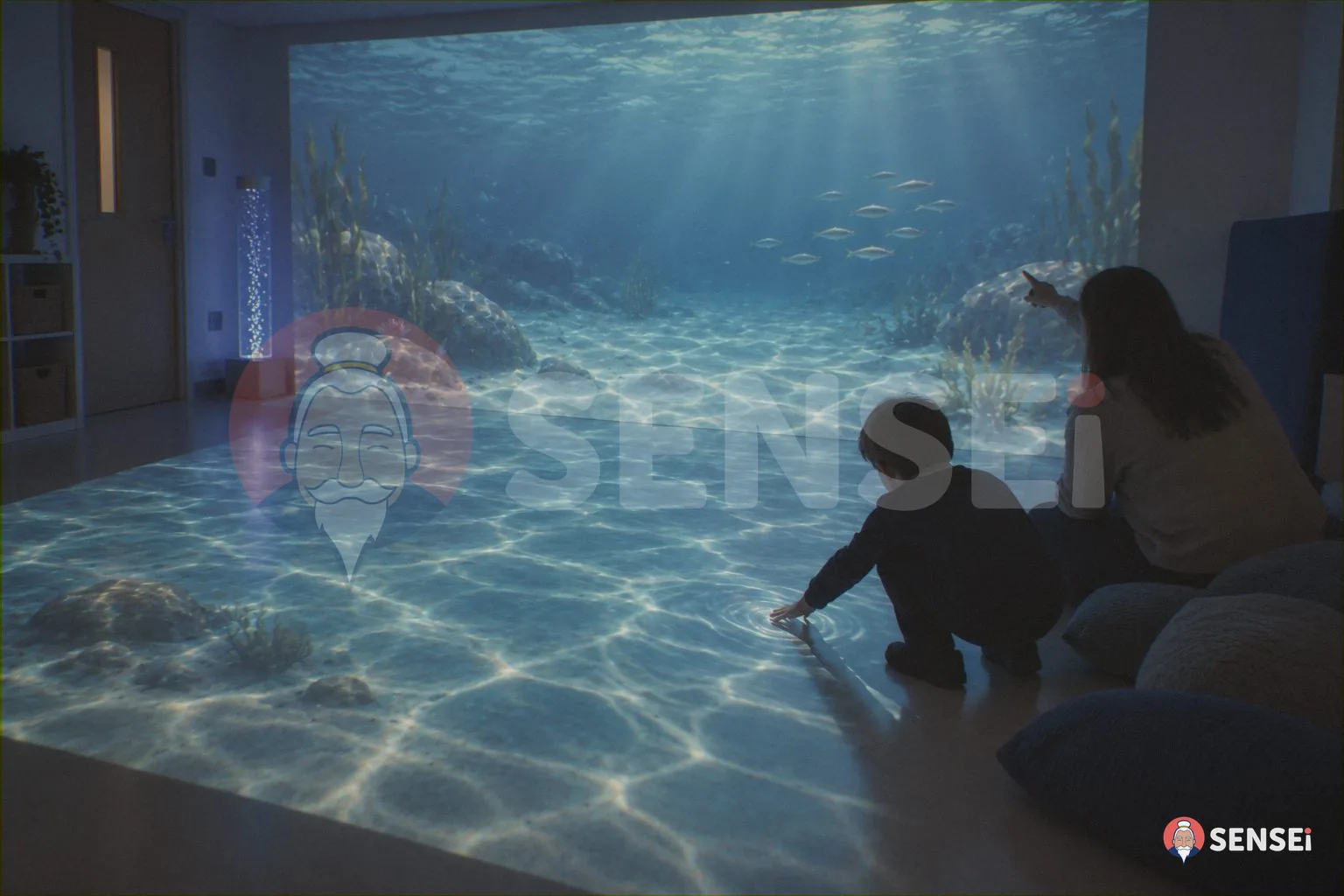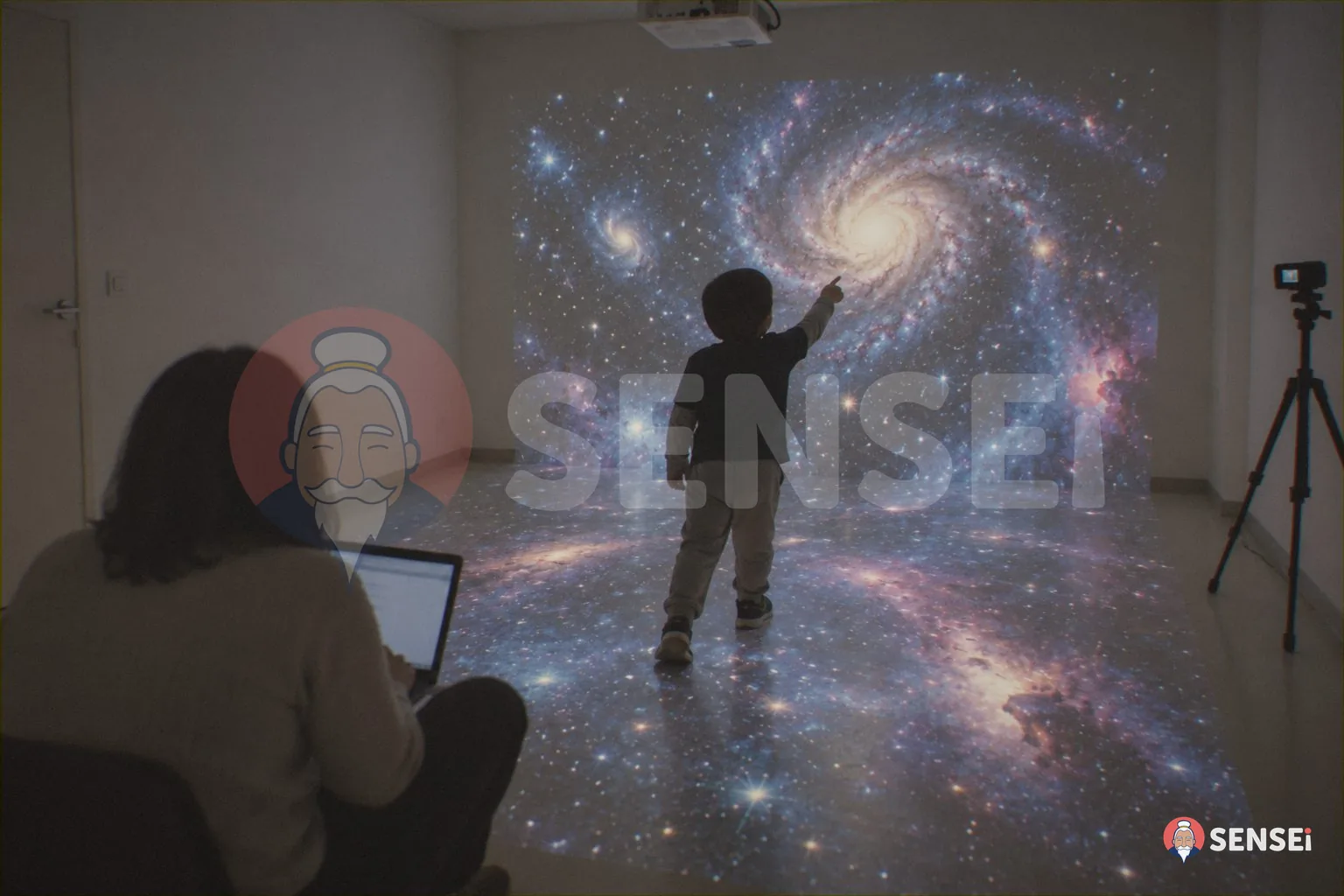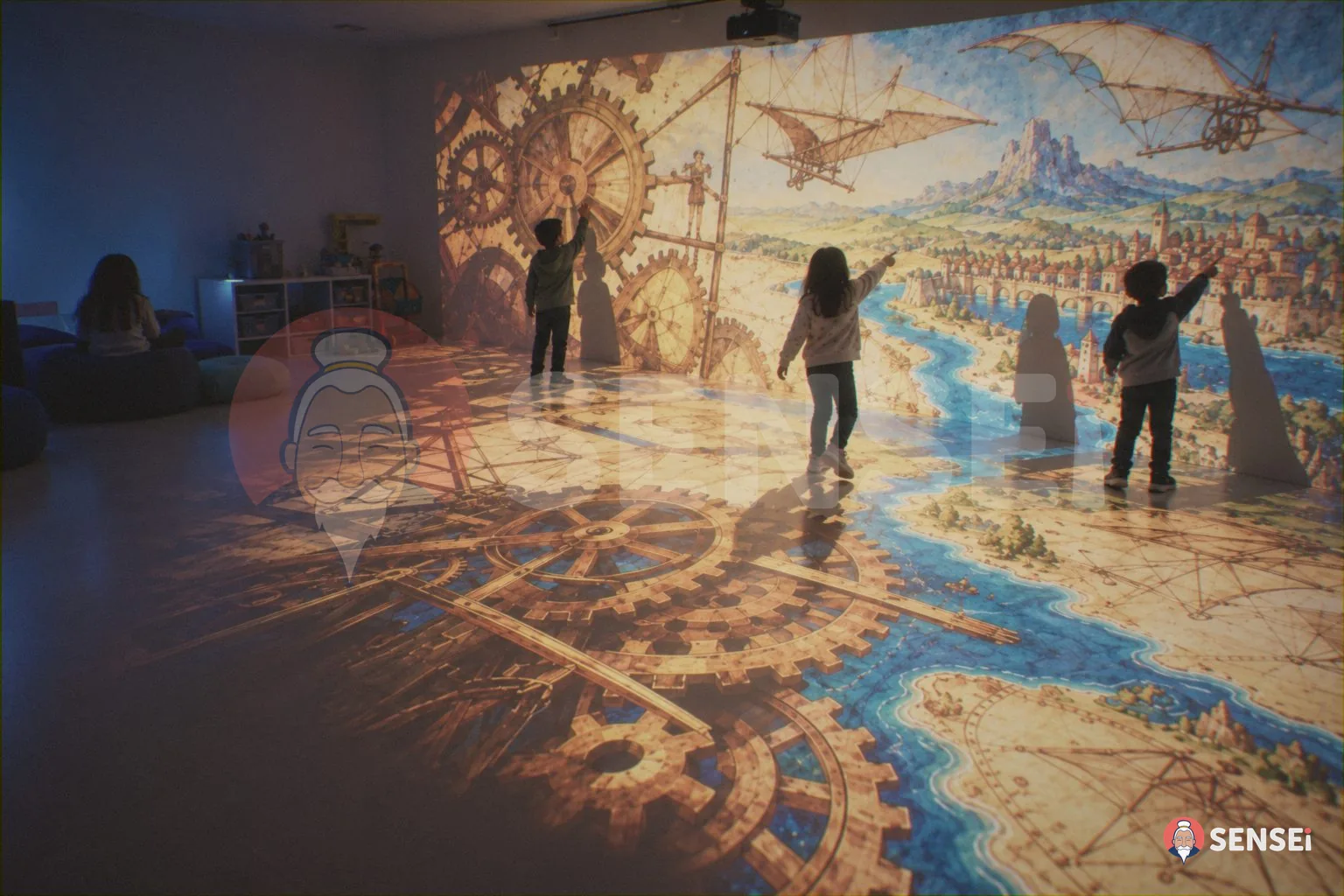

A multisensory classroom project is the document that explains why the school wants that space, for whom, with which activities and how it will measure the results. It is used to include the classroom in the PTOF, to obtain a resolution from the school’s governing bodies and, often, to apply for a funding call.
On this page you will find the structure of the project template we have prepared for schools, section by section. It is the same method we use with the schools with which we design SENSEi environments. The editable file can be requested free of charge from the contact page.
Why does a multisensory classroom need a written project?
A multisensory classroom is not a one-off purchase. It involves spaces, timetables, teacher training, the inclusion of pupils with special educational needs and relationships with families. A written project puts everything in order and makes the choice understandable to those who have to approve it.
The project is also useful after the opening. It becomes the outline for organising the timetable, evaluating the activities and reporting the results to the governing bodies and the local community. It is what turns a new room into a permanent part of teaching.
If you are not yet clear on what a multisensory room is, start from our introductory guide. To see how an interactive environment works in practice, look at the page The magic room.
What does the PTOF have to do with the multisensory classroom?
The PTOF (Piano triennale dell’offerta formativa, the school’s three-year educational plan) expresses the cultural and educational identity of the school. Article 3 of Presidential Decree (DPR) 275/1999, as amended by Law 107/2015, establishes three points that are useful for anyone designing a multisensory classroom:
- the plan is drawn up by the teachers’ council (collegio dei docenti) on the basis of the guidelines set by the head teacher;
- the plan is approved by the school council (consiglio d’istituto);
- the plan also sets out the need for infrastructure and material equipment.
In practice, the classroom finds its place in the PTOF in two ways. As a learning environment, linked to the priorities on inclusion and well-being. As an equipment need, to be met with the school’s own resources or with funding.
What is the typical process, from idea to resolution?
Every school has its own timescales and internal regulations. The outline below is the most common and should always be checked with the head teacher and the DSGA (the school’s administrative director).
- Working group. A small group (inclusion coordinator, support teachers, one teacher per school level, digital lead) gathers needs and ideas.
- Guidelines document. The head teacher can include inclusion and innovative learning environments among the guidelines for the PTOF.
- Teachers’ council. Approves the educational project and any update to the PTOF.
- School council. Resolves to update the PTOF and, where applicable, to apply for the funding call.
- Procurement. Supplies follow the public procurement procedures required by law, with the accounting formalities handled by the school office.
Some funding calls require a specific resolution. Circular no. 11 of 30 March 2026 of the Regione Siciliana, for example, accepts only one proposal per school, “subject to the approval of the governing bodies”, and requires a copy of the School Council resolution explicitly referring to the application. The details are in our guide to multisensory classrooms in Sicily.
How is the project template structured?
The template is divided into twelve sections. Each one contains guiding questions and fields to fill in. You can delete the parts you do not need or add others required by a funding call.
1. School details and context
Name, sites involved, school levels, a brief description of the local area. This is where you refer to the priorities of the PTOF and the Improvement Plan relating to inclusion and well-being.
2. Identified needs
Why the school needs this space. Needs are described in aggregate form, without personal data: classes with pupils with special educational needs (BES), difficulties with emotional regulation, demand for hands-on learning, needs raised by the GLO (the operational working groups for inclusion).
3. Aims and objectives
General aims (inclusion, well-being, participation) and specific observable objectives, such as attention span, participation in group activities, communication. The template offers examples worded in a measurable way.
4. Target groups
Classes, sections and groups that use the classroom. The principle we suggest is reverse inclusion: you design starting from the most complex needs, so that the environment works for the whole class.
5. The identified space
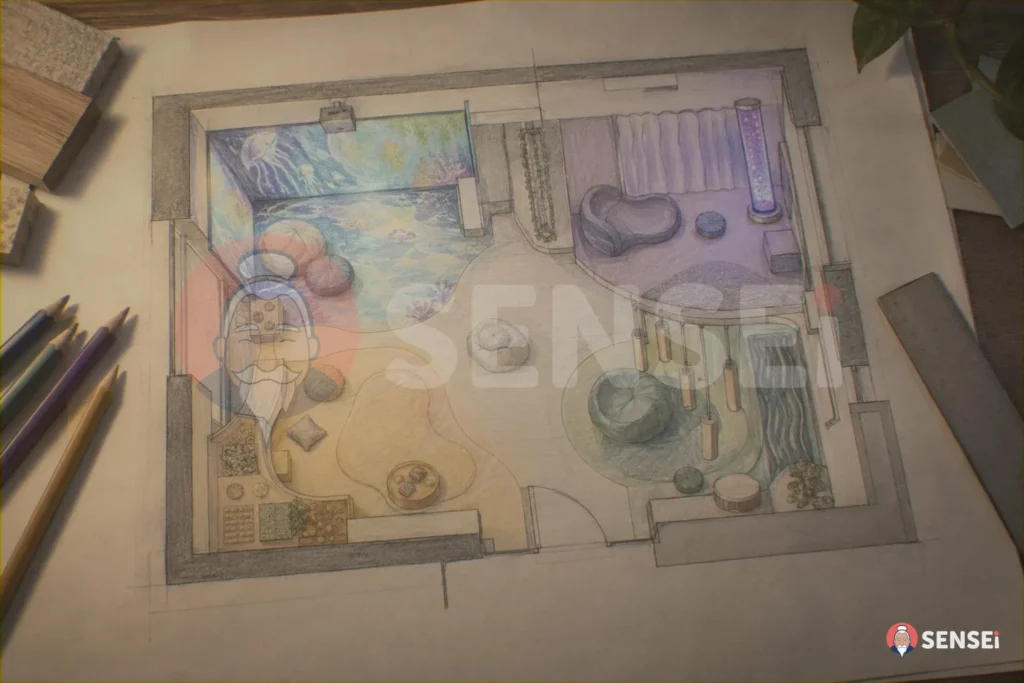
Location, windows, possibility of blackout, accessibility, proximity to classrooms. An existing classroom is often enough. To find your way, use the guide on how to set up a multisensory classroom.
6. Planned equipment
Here it is best to think in terms of experiences, not devices: moving and playing with interactive walls and floor, adjusting light and sound, exploring with the hands, finding calm again. For each item, state which objective it serves. The reasoned list is in our article what to put in a multisensory room.
7. Methodology and activities
Teaching approaches (hands-on learning, embodied learning, Universal Design for Learning) and examples of activities for each school level. The link with the PEI (individual education plans) and PDP (personalised learning plans) should be made explicit.
8. Teacher training
Who is trained, with what content, on what timescale. A classroom used by only a few teachers often stays closed. This is why the template encourages involving a large group and planning on-the-job support in the first months. See also our training offer.
9. Organisation and rules of use
Classroom coordinator, booking timetable, maximum number of pupils per session, rules for access and for looking after the space.
10. Monitoring and evaluation
Observation tools, review points, indicators. An interactive environment helps: the SENSEi platform produces reports on the activities carried out, which the teacher interprets and attaches to the documentation.
11. Safety and privacy
Assessment of the space with the safety officer, certified materials, supervision rules. Photos and videos require the privacy notices and consents set out by the GDPR.
12. Financial plan and timeline
Expense items without pre-filled amounts (equipment, installation, training, any adaptations) and the timing of each phase: purchase, installation, training, launch, review, final event.
What do funding calls for multisensory classrooms usually ask for?
Funding calls change, but some requirements recur. The Sicilian circular is a good example because it lists them explicitly. It sets out mandatory phases: setting up the environment, staff training, personalisation and workshops, monitoring of results, a closing event with institutions and families.
Its project form also asks for:
- an outline description of the project;
- the technologies to be acquired and the areas concerned;
- a description of the available spaces;
- any adaptations to the building’s systems;
- the list of teachers to be trained, with at least 20 teachers;
- a financial plan broken down by expense item.
Our template covers all these items. So, when a funding call comes out, the school adapts the text without starting from scratch. The SENSEi immersive classrooms in Sicilian schools show how to get from the application to a classroom used every day, with teachers who also create their own activities. For an overview of funding, read how to fund a multisensory classroom.
How do you write a resolution for the multisensory classroom?
The resolution is drafted by the school, with its own administrative office. The template includes an indicative outline with the elements that usually appear:
| Part | Content |
|---|---|
| Preamble | References to the PTOF, the Improvement Plan, any funding call and the project approved by the teachers’ council |
| Rationale | Identified needs and consistency with the inclusion and well-being objectives |
| Operative part | Approval of the project, update of the PTOF, any application |
| Mandate | Instruction to the head teacher to carry out the resulting acts |
This is only an outline. Wording, legal references and accounting steps must be checked with the head teacher and the DSGA.
How do you measure whether the classroom works?
A credible project states in advance how it will be evaluated. The template proposes three levels of observation: participation (who uses the classroom and how often), process (how pupils behave during the activities) and outcomes (what changes over time with respect to the objectives in point 3).
The research from which SENSEi originates has been working on these aspects for years and counts more than 40 scientific publications. The study Embodied Learning in Immersive Smart Spaces uses a controlled design to evaluate an immersive environment used by 48 children aged 6-8 in a primary school. The P3S model describes play spaces with supervision and behavioural observation. No laboratory instruments are needed: simple, consistent observation grids are enough, to which the software reports can be added.
What changes when the project is shared?
When the project comes from the teachers, the classroom is used more. At the IC Silvio Pellico in Arluno a focus group with the teachers leads to an environment in each school site, each designed for its own pupils, with proposals reviewed together before purchasing. The result: classes that use the spaces more often and teachers who lead the choices.
For children it means richer experiences and more opportunities to take part. For the school, a project that can be presented to families and reported on with confidence.
How to request the project template?
The template is designed for the first cycle of education (primary and lower secondary). To receive it, write to us from the contact page, stating the school and the school level. We will send you the editable file.
If you wish, we can also review the sections on equipment and space with you, starting from the classroom floor plan. On our website you will find our services for co-design, installation and training.
Frequently asked questions
Should the multisensory classroom project be included in the PTOF?
It is advisable. The PTOF also sets out the school’s equipment needs and projects, so it is the natural place for the classroom. Some funding calls require a specific resolution.
Who approves the project?
The educational project normally goes through the teachers’ council. The update of the PTOF and the application to a funding call are approved by the school council.
Does the template already include costs?
No. The financial plan only lists the expense items. Costs depend on the configuration: contact us for a tailored proposal.
Can I use the template for a regional funding call?
Yes, that is what it is designed for. It should always be compared with the project form and annexes of the specific call.
How long does it take to fill in?
It depends on how clear the working group already is about needs and space. The sections with guiding questions help you proceed in an orderly way.
Does the template also work for a therapy centre?
The structure is designed for schools. For a clinical or socio-educational centre, the sections on the PTOF and resolutions should be replaced with the organisation’s own documents.
Want the template and to see a SENSEi environment live? Book a demo and ask for the project file: we will guide you through filling it in.
Sources
- DPR 8 marzo 1999, n. 275, art. 3 (Piano triennale dell’offerta formativa), current text, Normattiva.
- Circolare n. 11 del 30/03/2026, Realizzazione di aule multisensoriali nelle scuole del primo ciclo, Regione Siciliana.
- Gelsomini, Leonardi, Garzotto, Embodied Learning in Immersive Smart Spaces, CHI 2020.
- Agosta et al., Playful Supervised Smart Spaces (P3S), Euromicro DSD 2015.